
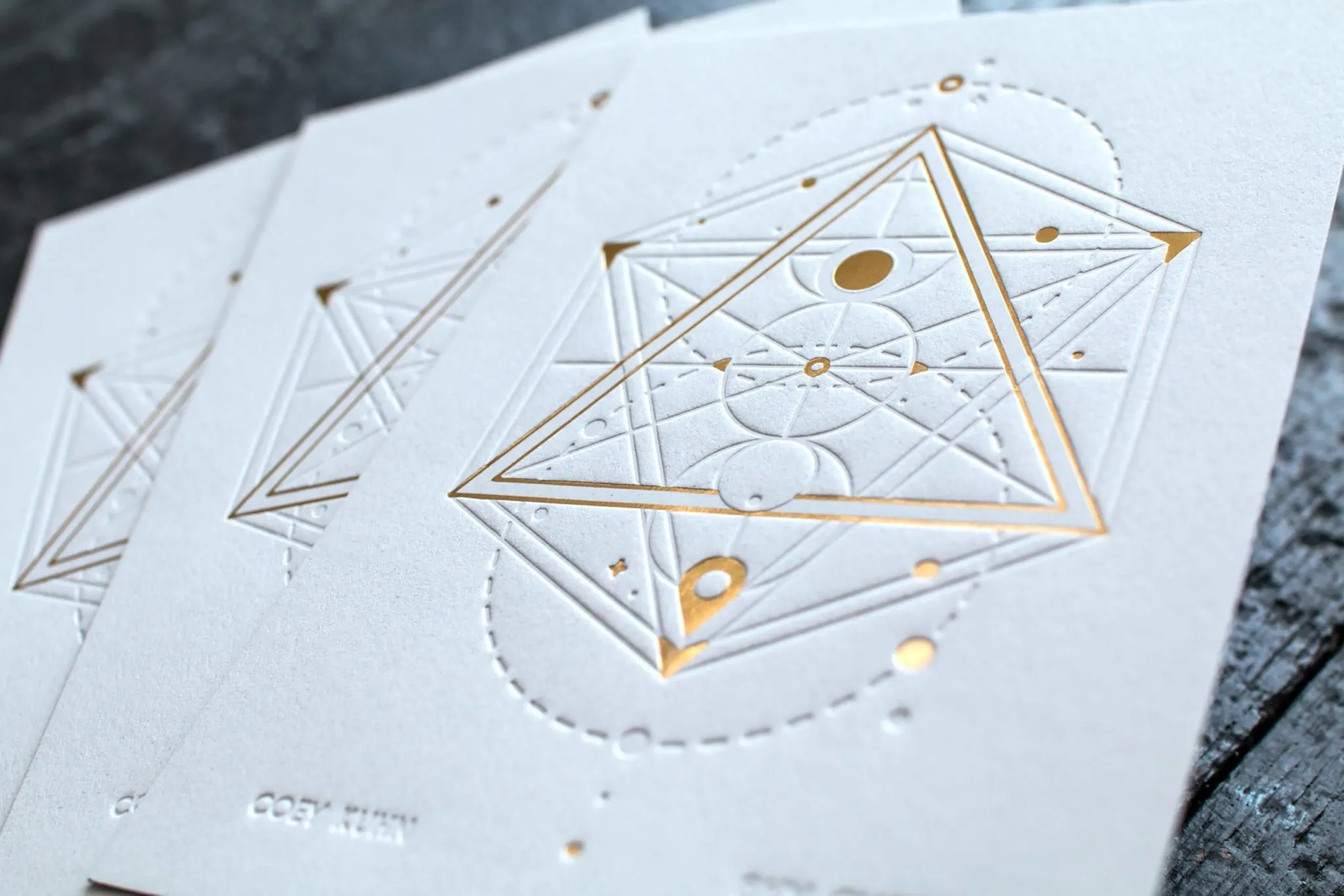
Letterpress is designed for pressing letters. When a design is created to work within the strengths of the process — clean typography, thoughtful use of white space, bold line art on the right paper — the result is genuinely beautiful. When a design pushes against those strengths, the press will remind you.
Here is what you need to know to get the best results.
How should I choose a typeface and point size for letterpress?
Choose typefaces with strokes no thinner than 0.25 points. Fine hairline and thin-weight faces can lose detail on press — a slightly heavier weight at the same size will give you a crisper, deeper impression.
It is a good idea to add a light stroke to punctuation and very fine lines to give them a little extra weight on the plate. Consider that your design will be pressed with significant pressure — fine detail that looks elegant on screen may fill in or disappear in print. We are always glad to review your artwork for press friendliness before plate production.
What file format works best for letterpress printing?
Vector artwork from Adobe Illustrator or InDesign is strongly preferred. Vector files scale to any resolution, and our platemaking equipment works at 3000 pixels per inch — vector art produces the crispest plates possible.
Raster art from Photoshop is possible, but the standard 300ppi resolution is not sufficient for letterpress typography or fine line art. If you are using Photoshop, artwork must be at a minimum of 1200ppi in bitmap color mode. This works well for hand-drawn illustrations or lettering — but for typographical layouts using fonts, use Illustrator or InDesign.
How much bleed should I include?
Add at least 0.125 inches (1/8") of bleed on all sides. Any design element that extends to the edge of the finished piece must continue into the bleed area — otherwise you will see a white edge if the cut is off by even a hair.
Keep all important text and design elements at least 0.125 inches inside the trim line (the safe zone). The card is trimmed to final size after printing.
Why should I avoid large areas of solid ink?
Letterpress inks are transparent, and the inking systems on vintage presses were not built for heavy coverage. Large solid areas can look grainy, ghost (leave a faint shadow from the press rollers), and transfer ink to adjacent pieces.
Use colored paper as your background color instead of printing solid ink. The paper color becomes part of the design — it looks better than a printed solid and avoids all of these issues. If your design calls for a color on the front and white on the back, we can mount two papers together to create a custom two-tone card.
What is a "reverse" design and should I avoid it?
A reverse design prints the entire field of the card in a color, leaving the artwork as the paper color — like a white logo on a black business card. This is worth avoiding in letterpress for two reasons.
- On uncoated paper, large areas of ink are subject to abrasive transfer — the ink can rub off onto adjacent papers or envelopes in the mail.
- Getting consistent inking across a large solid area is very difficult on a letterpress press, especially for larger print runs. The result often looks uneven.
There are exceptions — for small quantities we can push the process — but for anything requiring consistency across a run, use colored paper instead of a printed background.
How does ink color selection work?
All letterpress inks are transparent. This means the ink color must always be darker than the paper — a dark ink on a light paper, not a light ink on a dark paper.
The available paper colors are more limited than the full Pantone system, so it is a good idea to select a paper stock and color before finalizing your ink color palette. This way there are no compromises to make at press time. See our Paper Textures page and Foil Colors page for reference.
How should I set up a design with multiple printing techniques?
Each printing technique requires its own separate layer or file — one layer for letterpress, one for foil, one for deboss. Each passes through the press separately, so every element must be clearly separated by technique.
Indicate which layer corresponds to which technique clearly in your file. We will review artwork before plate production and ask clarifying questions if anything is ambiguous.
Send us your artwork for review
Not sure if your design will work? Send it our way — we review all artwork before going to plate and will flag anything that might cause issues on press. The earlier we catch a problem, the easier it is to fix. Request a quote and attach your files.